

Restaurant and Supermarket POS

-

-

- M‑PESA

Jux Restaurant POS: Integrated Management Solution
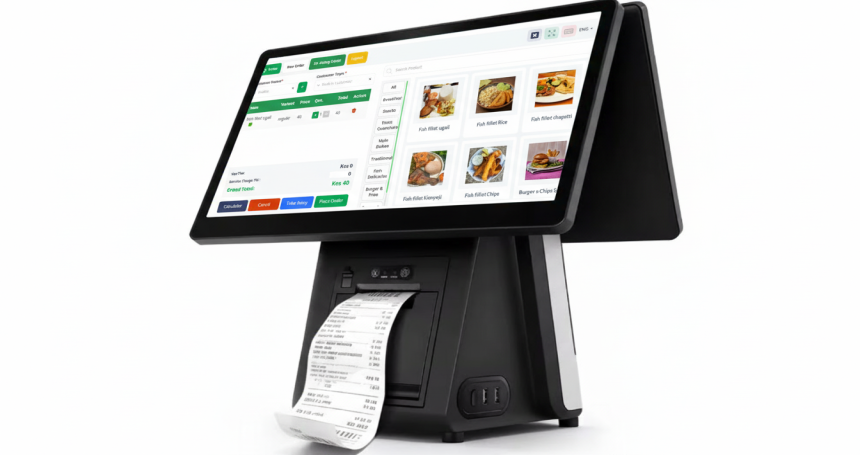
This Point of Sale (POS) system provides an end-to-end management interface designed for high-volume environments like restaurants, cafes, and retail supermarkets. It centralizes front-end sales, inventory tracking, and back-office reporting into a single web-based platform.
Core Functionalities
1. Point of Sale & Order Management
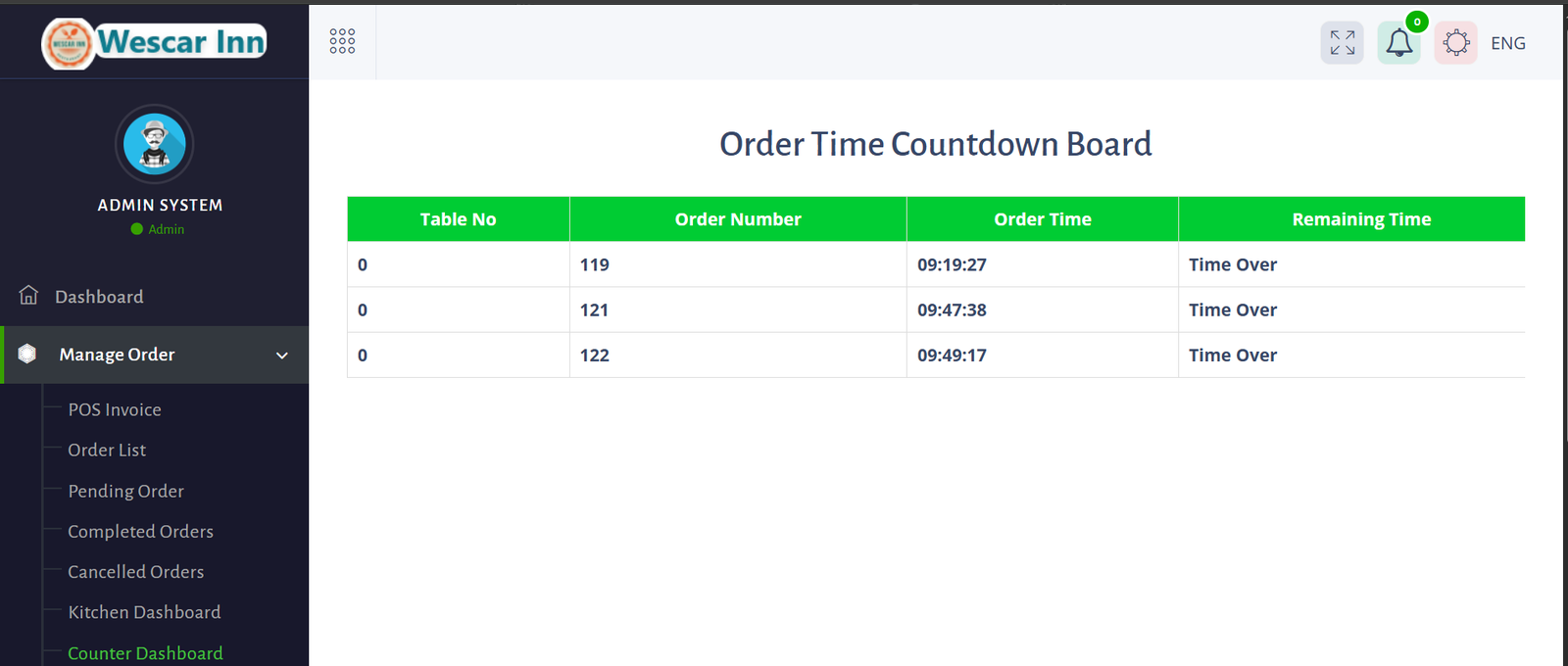
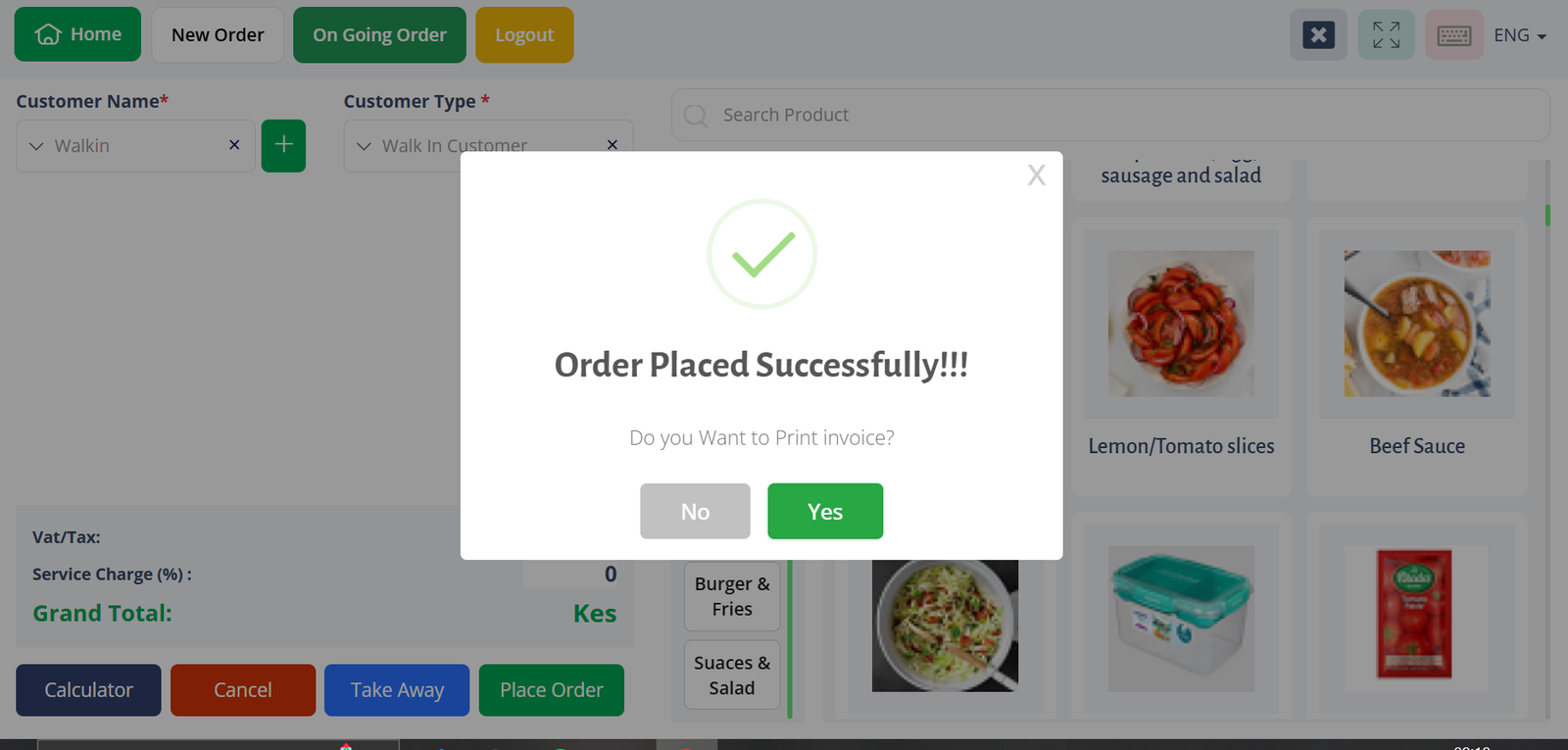
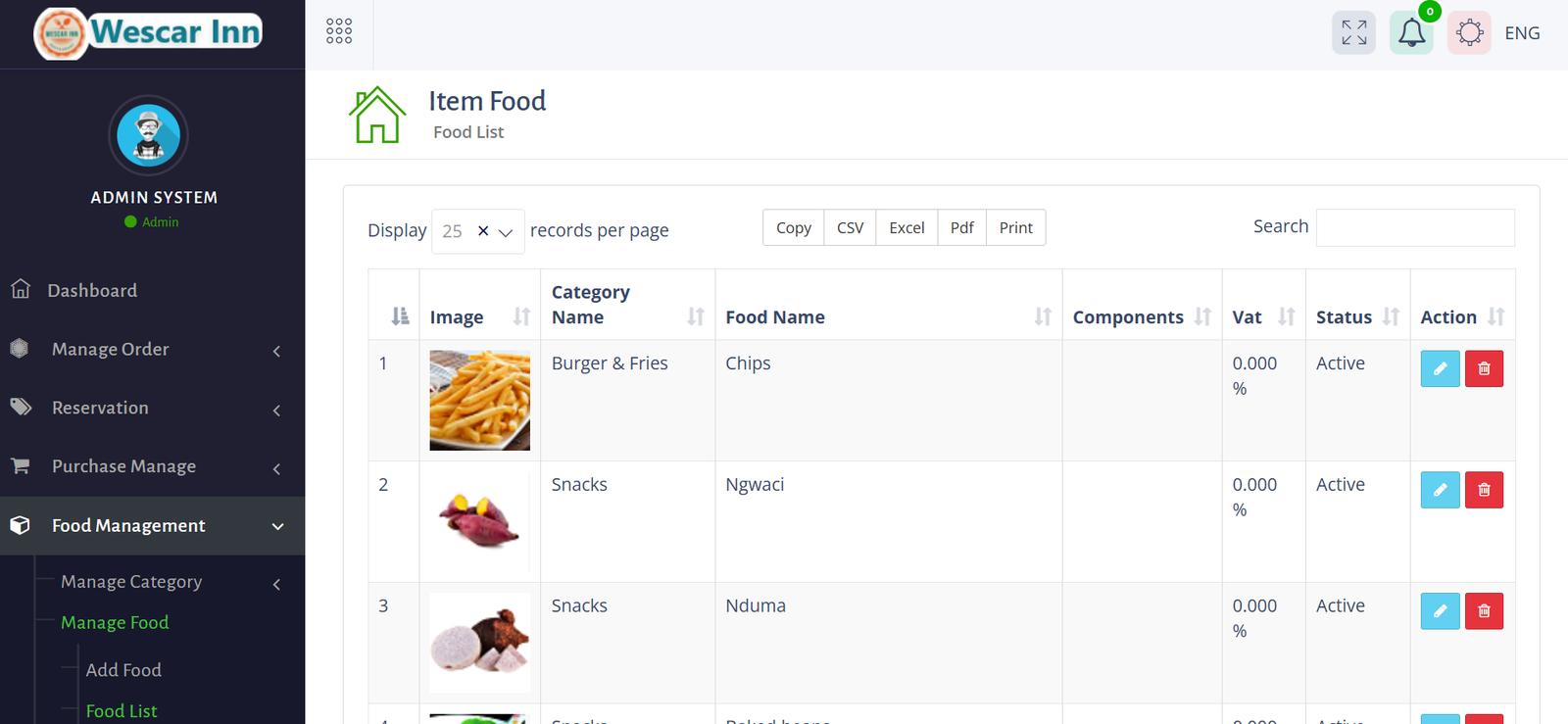
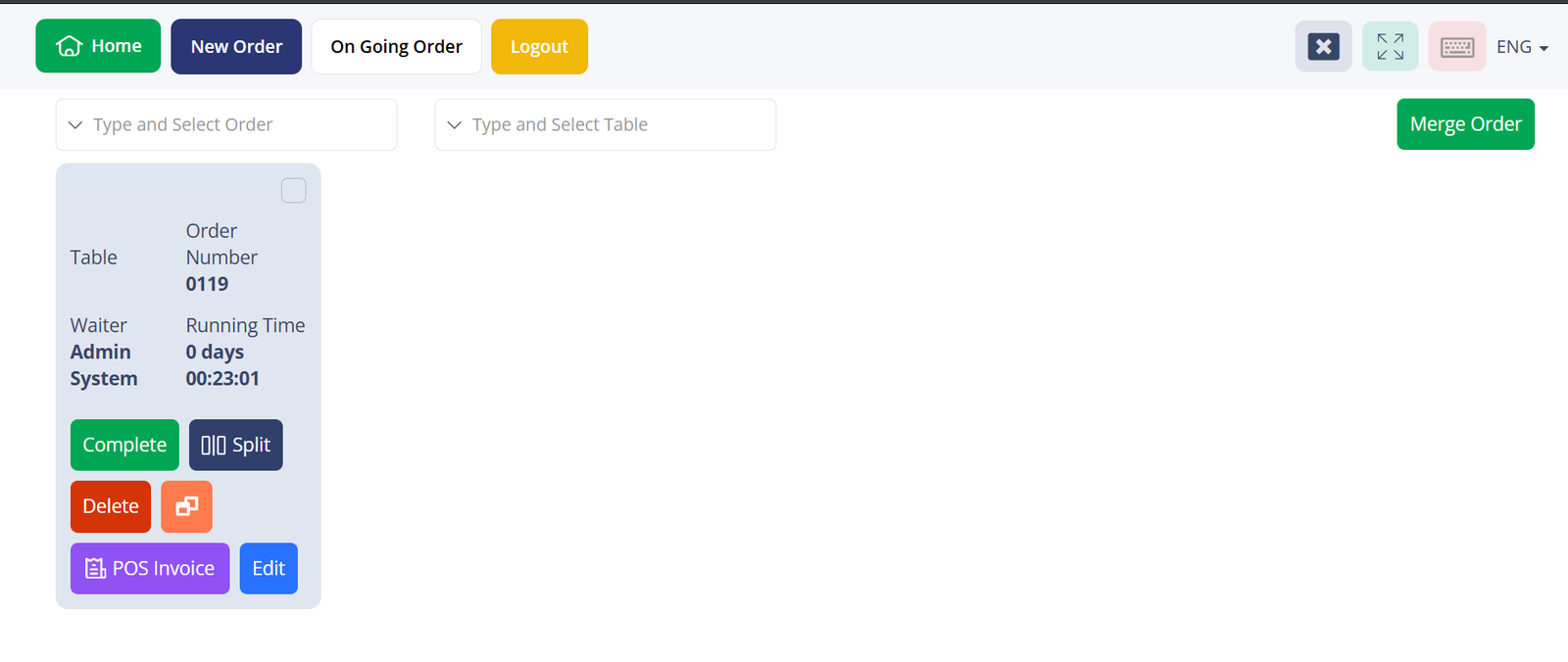
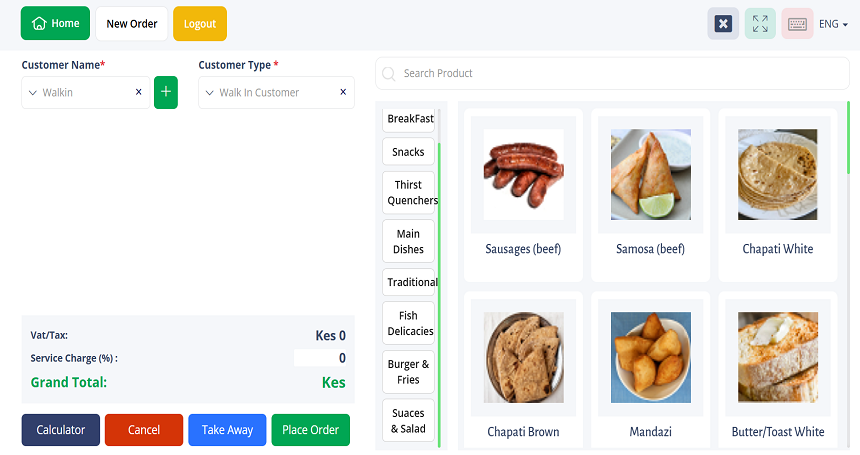
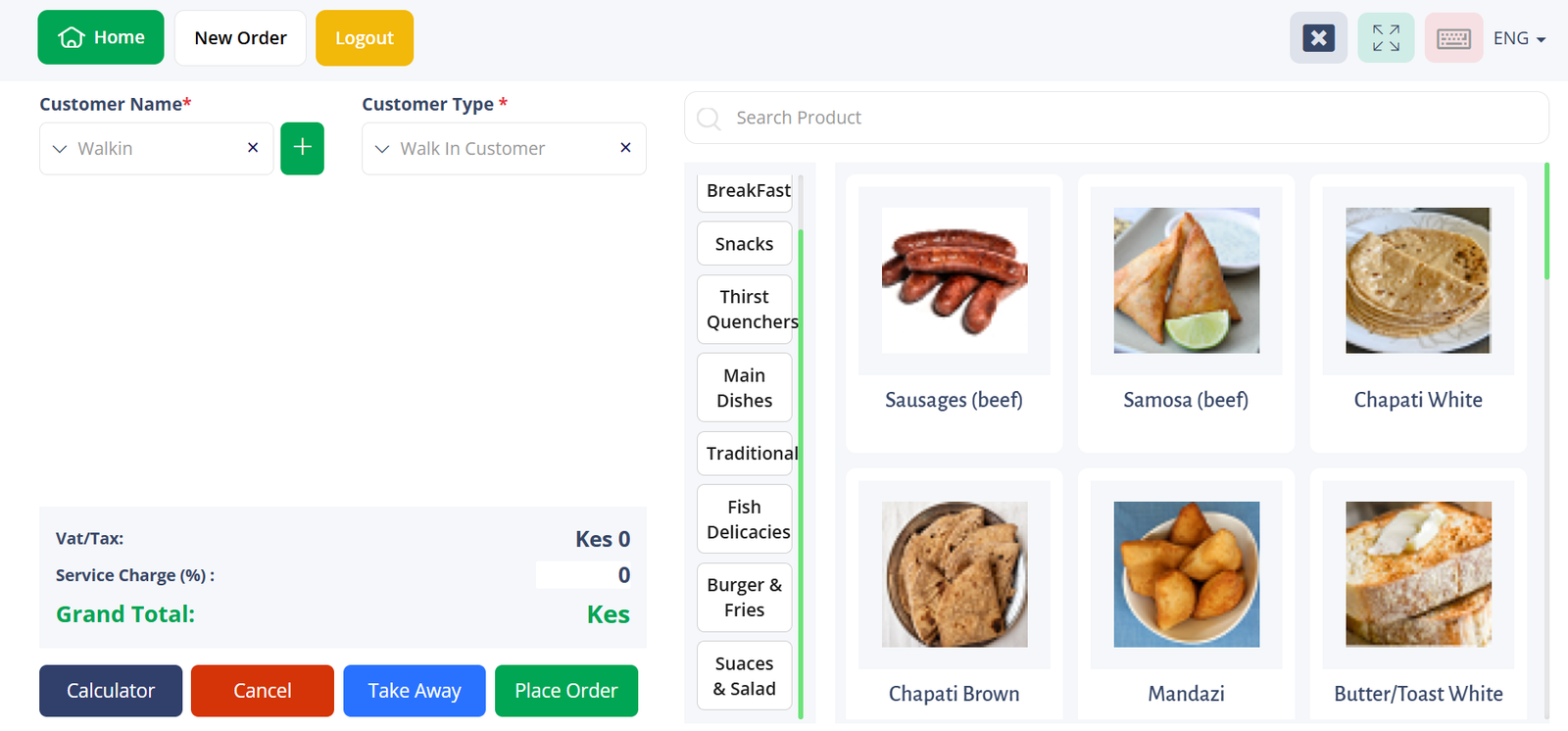
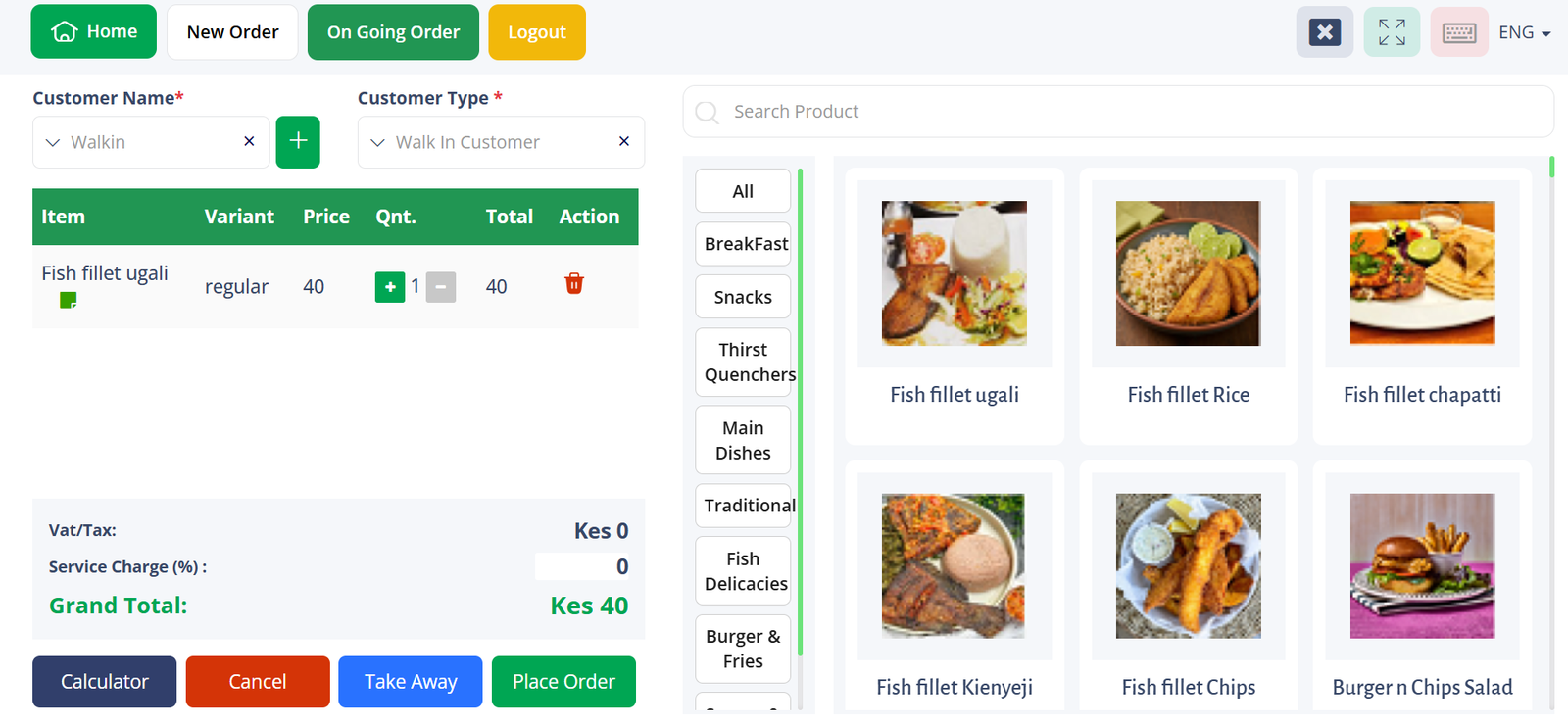
The system features a touch-responsive interface for processing transactions. In a restaurant setting, it supports table management, allowing staff to track On Going Orders, merge tables, or split bills. For retail or supermarket use, it facilitates quick "Walk-in" sales with a searchable product catalog categorized by type (e.g., Snacks, Thirst Quenchers, Main Dishes).
2. Payment & Billing
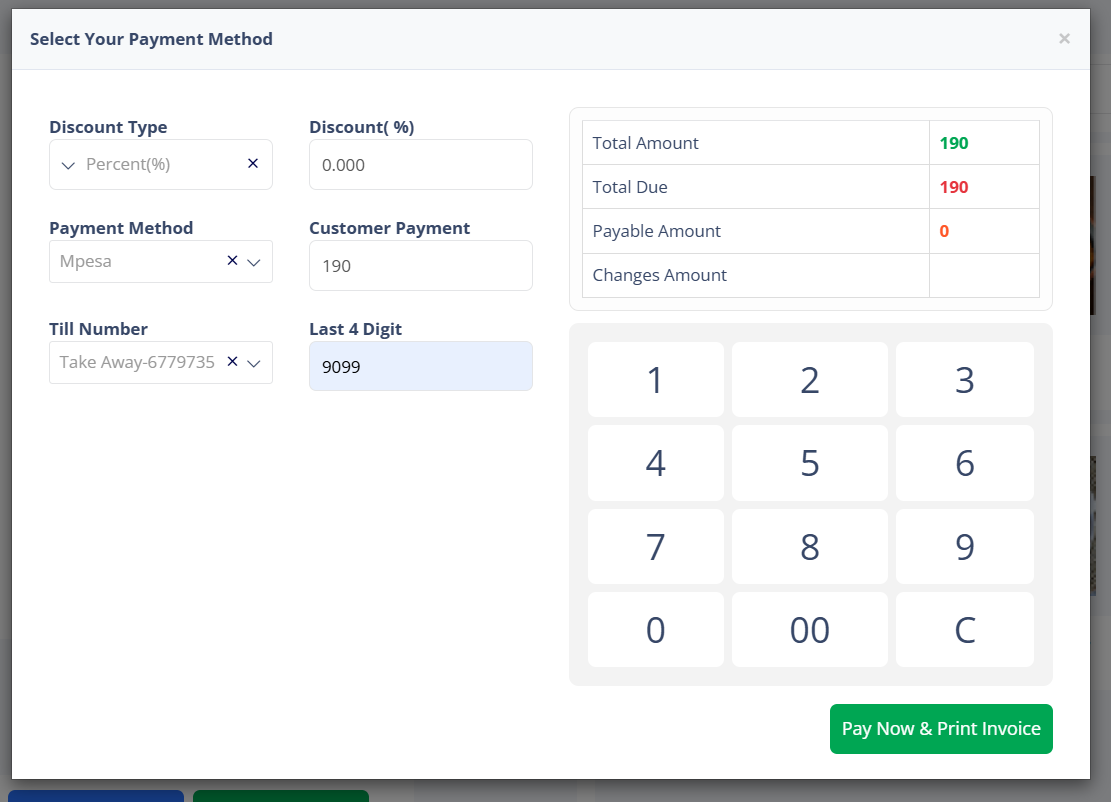
The billing module supports multiple payment methods, including cash and mobile money (Mpesa integration). It includes:
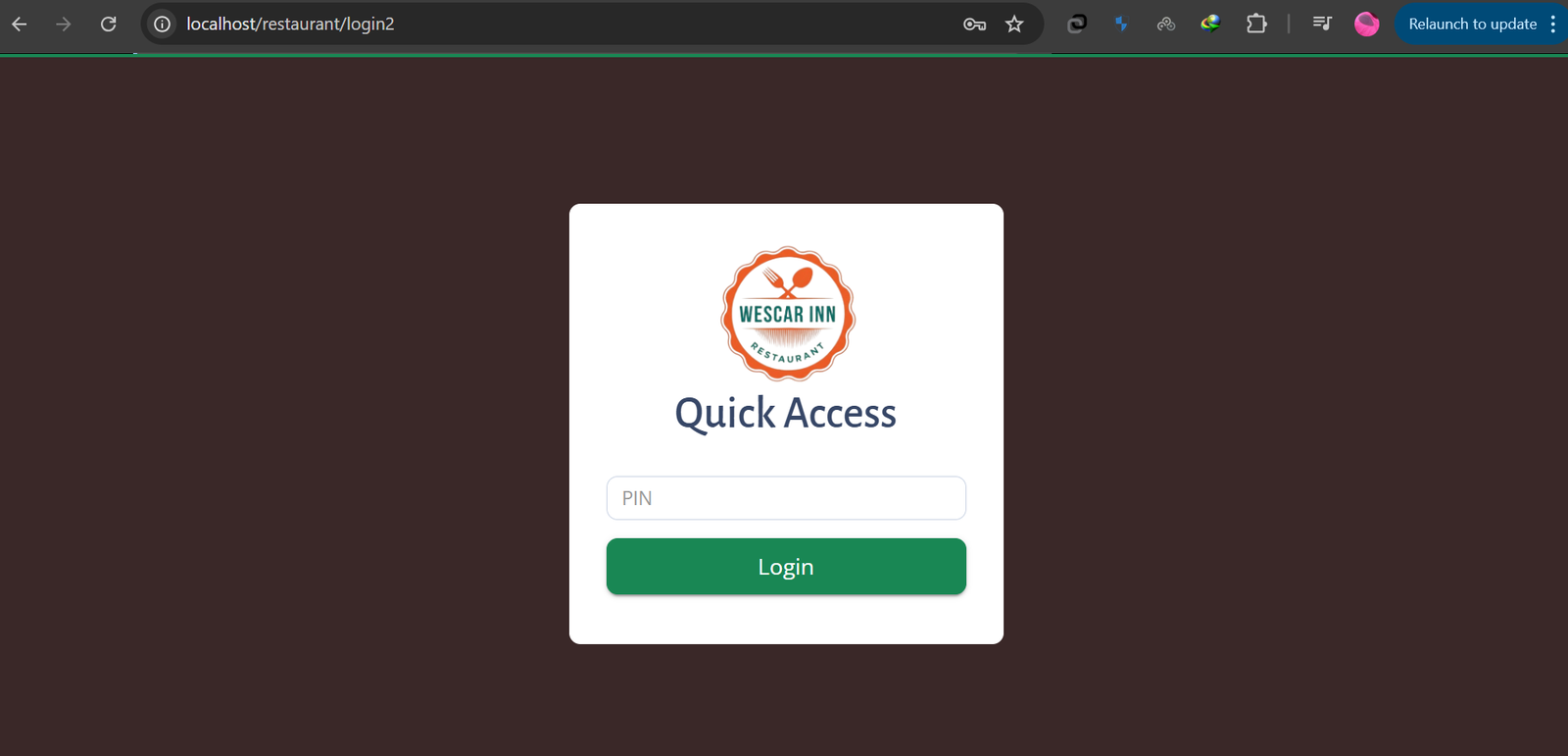
Quick Access Login: Secure PIN-based entry for different user roles.
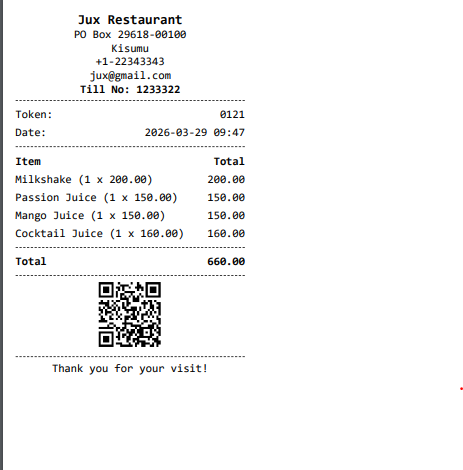
Digital & Physical Receipts: Generation of professional invoices featuring QR codes for verification, itemized lists, and tax breakdowns.
Automated Calculations: Real-time calculation of VAT, service charges, and discounts.

3. Inventory & Raw Material Tracking
Beyond simple sales, the system manages the backend supply chain through the Purchase Manage and Food Management modules.
Usage Tracking: Monitors the consumption of raw materials based on sales.
Item Management: Allows for the detailed configuration of food items or retail products, including variants, components, and status (Active/Inactive).
4. Comprehensive Reporting
The system generates data-driven insights to assist in operational decision-making:
Sales Intervals: Users can pull detailed reports on a daily, weekly, or monthly basis.
Performance Metrics: Dedicated reporting on waiter and staff sales to monitor productivity.
Export Options: Reports and item lists can be exported directly to Excel, CSV, or PDF formats for external auditing.
5. Human Resource & Production
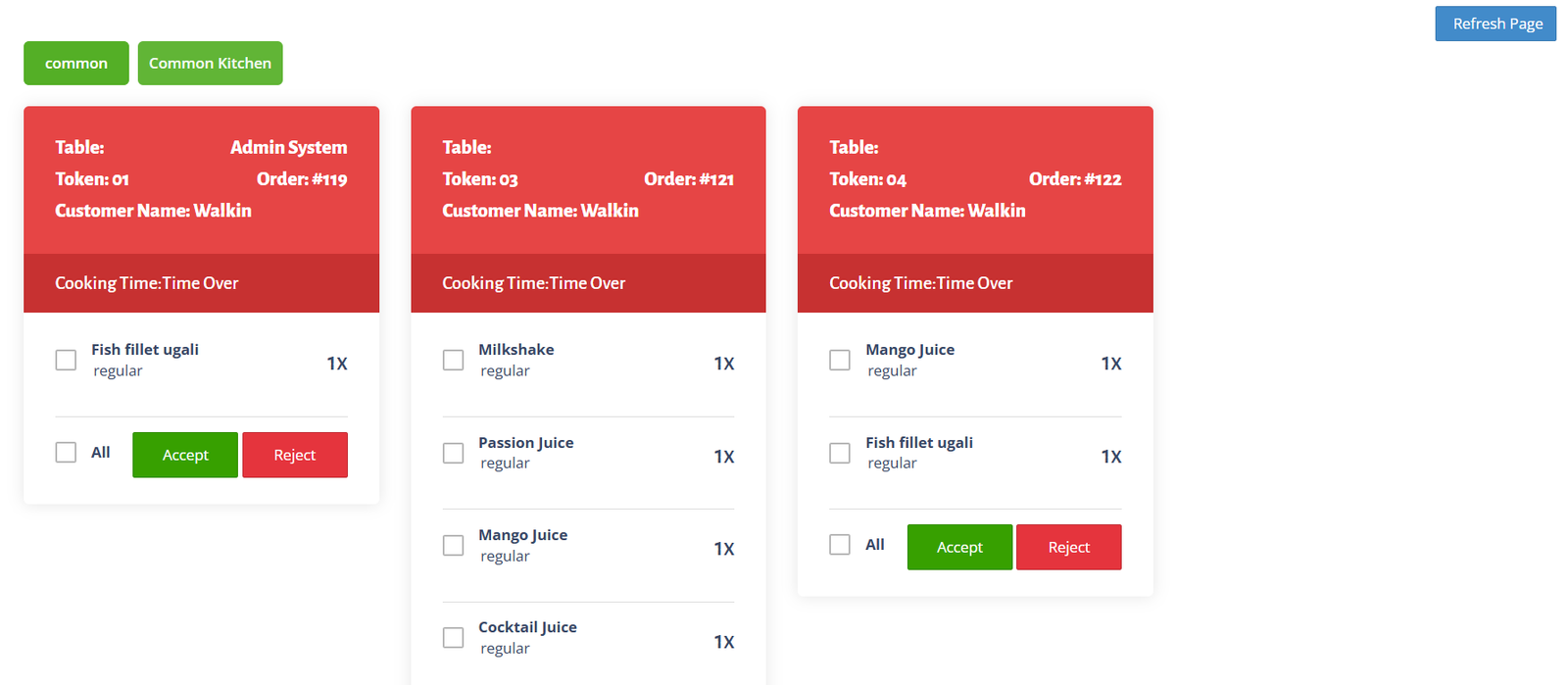
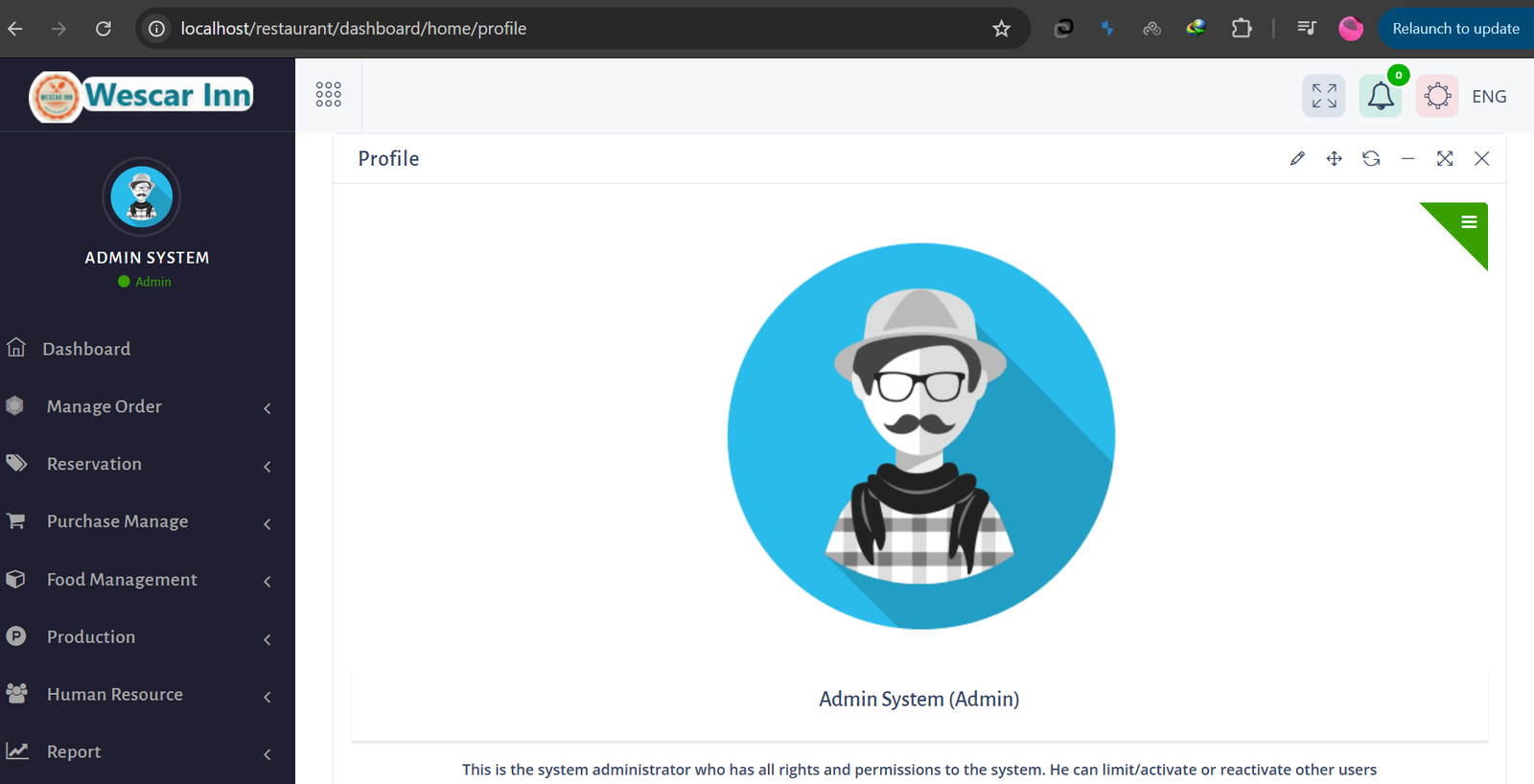
The administrative dashboard includes a Human Resource module for managing staff data and a Production module to oversee the preparation of goods or kitchen workflows. The system administrator maintains full control over user permissions and rights to ensure data security across all departments.
Technical Interface
Cross-Platform Access: Operates via a standard web browser (localhost/web-server), making it accessible on desktops, tablets, and mobile POS terminals.
Multi-Language Support: Includes an integrated language toggle (e.g., ENG) for diverse workforces.
Visual Navigation: Uses high-quality images for product selection to reduce input errors and speed up the checkout process.
More items by Credsal Matal
View author profile-
-
- M‑PESA